Fake wallets & malicious APK files
Scammers share fake installers through ads or Telegram. The app can steal your private key after install.
USDT mobile security alert
Most mobile thefts start with a fake APK, a bad approval, or a copied address. See which risk looks like yours, then follow the official guide.
Start my 20-second checkFree safety pre-check
Pick one situation. You will get a matched next step and a direct path to the official guide. No wallet address and no personal data are collected on this page.
Pre-check complete
The official guide explains each scam in detail and shows you how to stay safe on mobile.
Open the official guideKnow the enemy
These are the most common paths scammers use on mobile today.
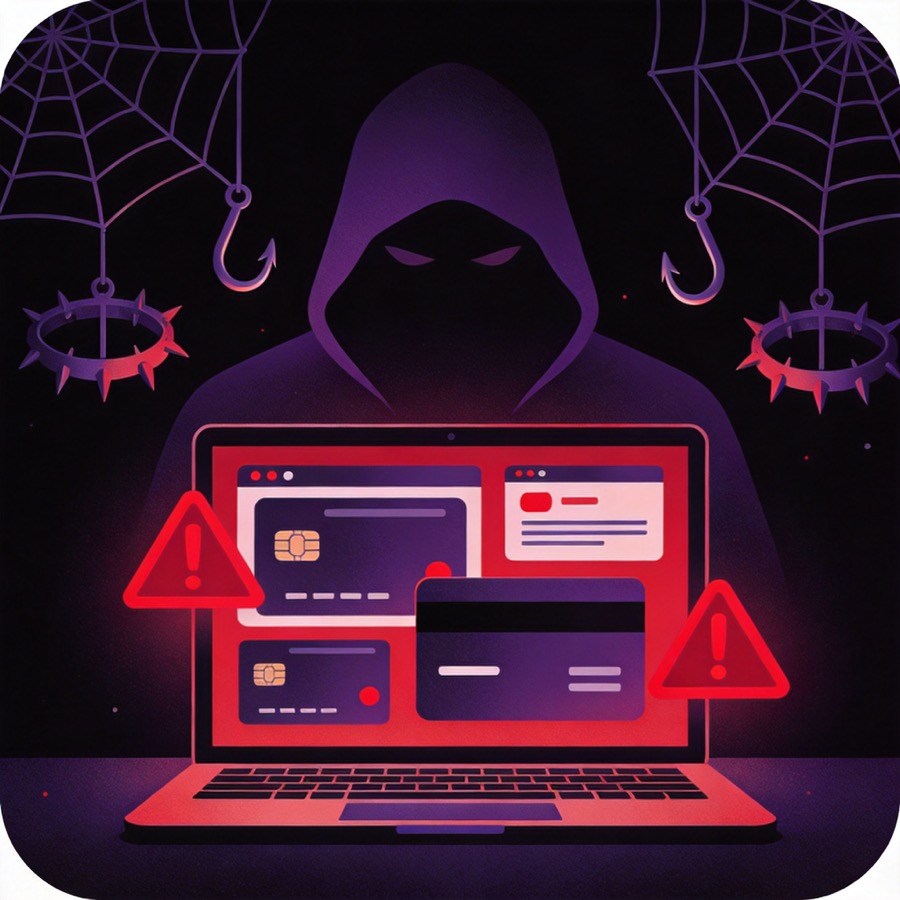
Scammers share fake installers through ads or Telegram. The app can steal your private key after install.
A QR scan or dApp interaction can hide an unlimited approve. Funds can drain without your private key.
Fake addresses with matching start and end characters can trick you into copying the wrong one from history.
Screenshots, notes apps, and photo sync make recovery phrases reachable if a cloud account is compromised.
Look-alike tokens can appear in your wallet with zero value and cannot be deposited to an exchange.
Contract check
Before any transfer, compare the full address in your wallet with the official contract.
TR7NHqjeKQxGTCi8q8ZY4pL8otSzgjLj6t
Look for TR7N ... Lj6t
Survival checklist
Memorize these rules before your next USDT transfer.
Golden 3 minutes
If you suspect a leaked key or a malicious approval, act in this order.
Transfer remaining USDT and TRX to a reputable exchange immediately.
Use Tronscan or your wallet authorization manager to remove suspicious permissions.
Never deposit again into a potentially compromised wallet. Create a new one.

Your next step
The official page covers every scam, the verified contract, and the complete survival checklist in one place.
Open the official guideYou choose. This page only points you to the official guide.